
MANTRA Chain
How to Connect Wallets to Mainnet
This guide walks you through connecting Keplr Wallet to the MANTRA Chain mainnet.
Install Keplr Wallet
Navigate to https://keplr.app/ and install the Keplr Wallet extension compatible with your browser. Keplr Wallet is essential for managing your crypto assets on the Cosmos ecosystem.
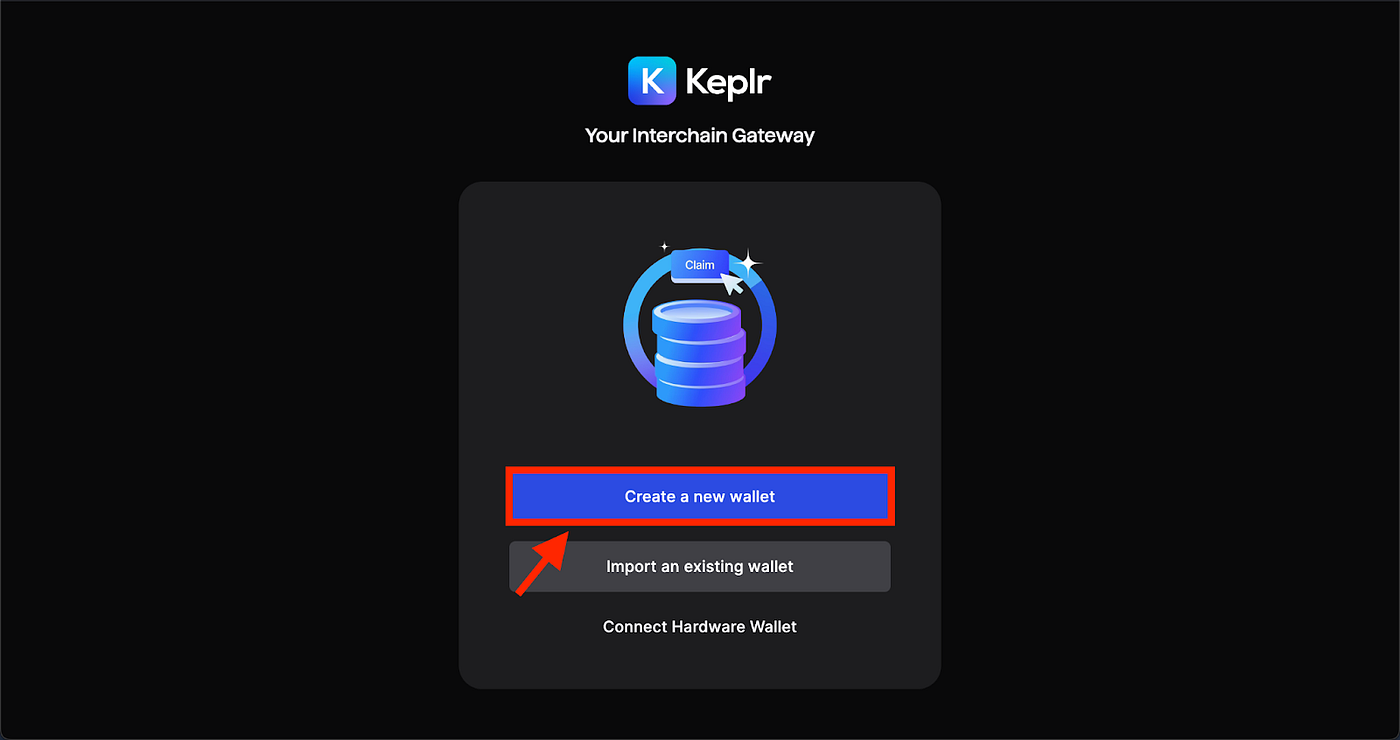
Set Up Keplr Wallet
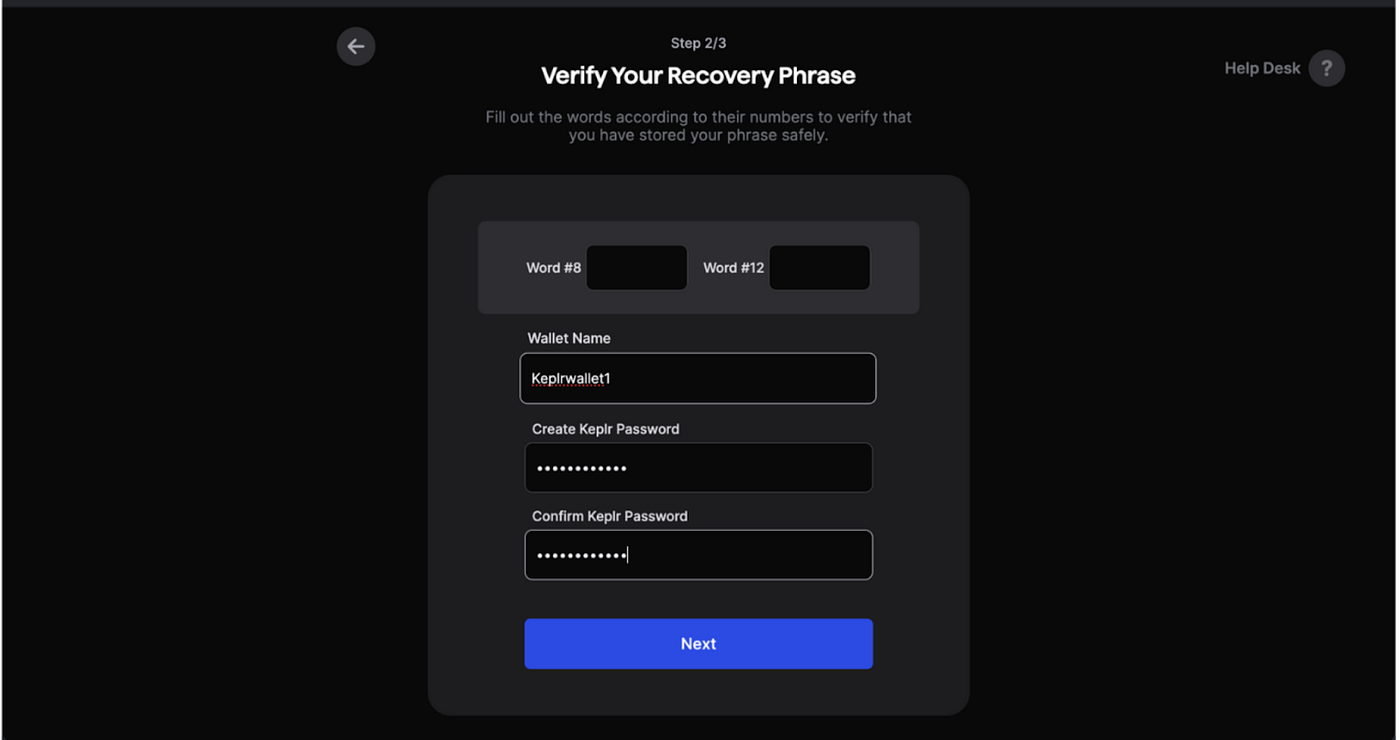
Add a wallet name, set up a password, and secure your seed phrase or recovery phrase.
Warning
Never share your recovery phrase with anyone.
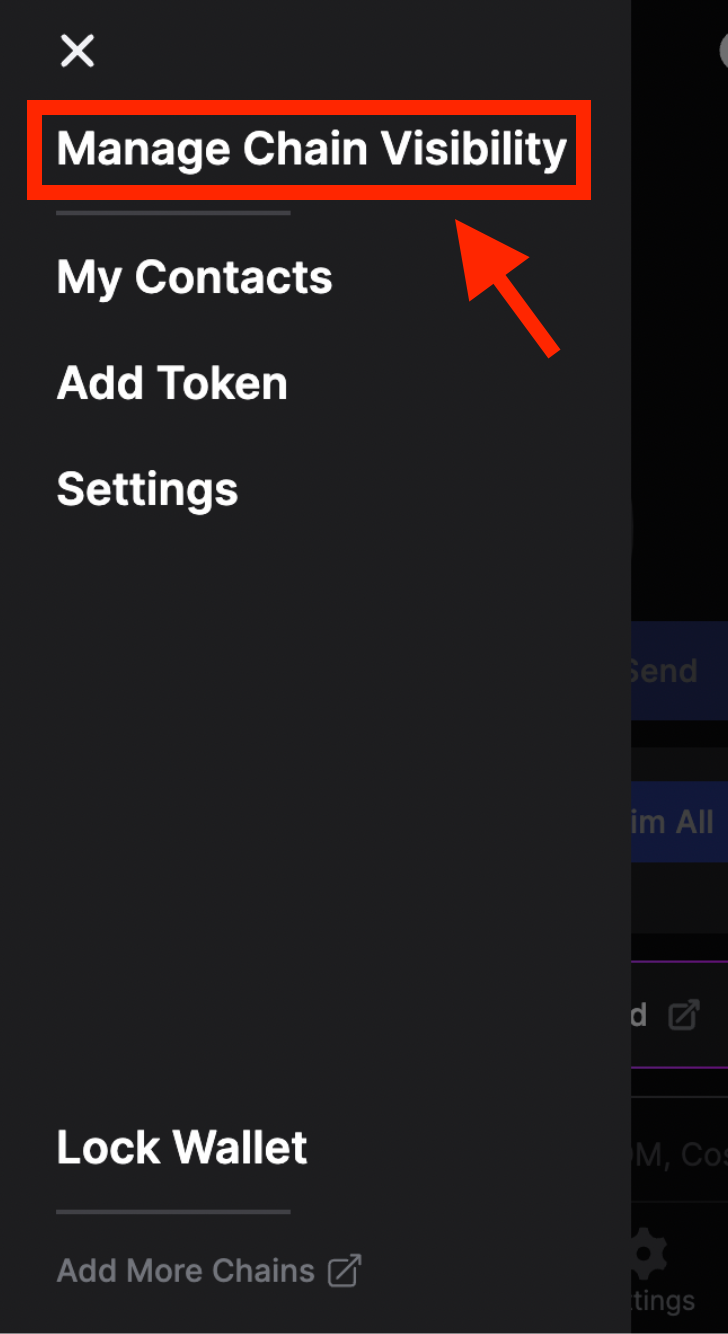
Manage Chain Visibility
Open your Keplr Wallet extension and navigate to the Manage Chain Visibility section. From here, you will add MANTRA Chain to your wallet.
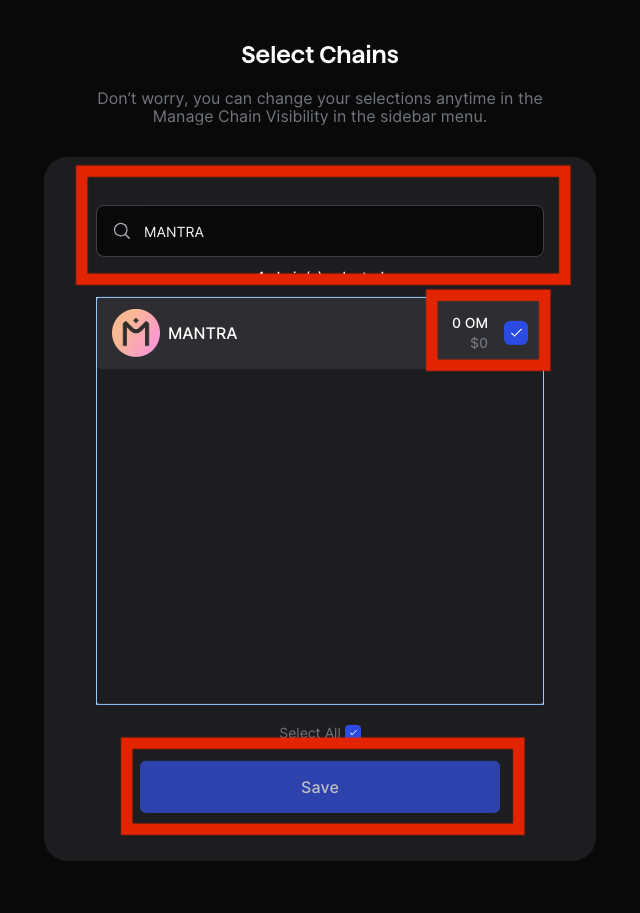
Add MANTRA Mainnet
Search for MANTRA in the list of available chains and check the box next to MANTRA. Click Save to confirm the changes.
You have successfully connected to MANTRA Chain!
Using a Ledger
If you are using a Ledger device, refer to these guides for connecting: